
Anime Nexus RNG Explore Squads, Durations and Favorite Units
Set up an Explore squad in Anime Nexus RNG by choosing an island, duration and difficulty, then checking its power and possible rewards.
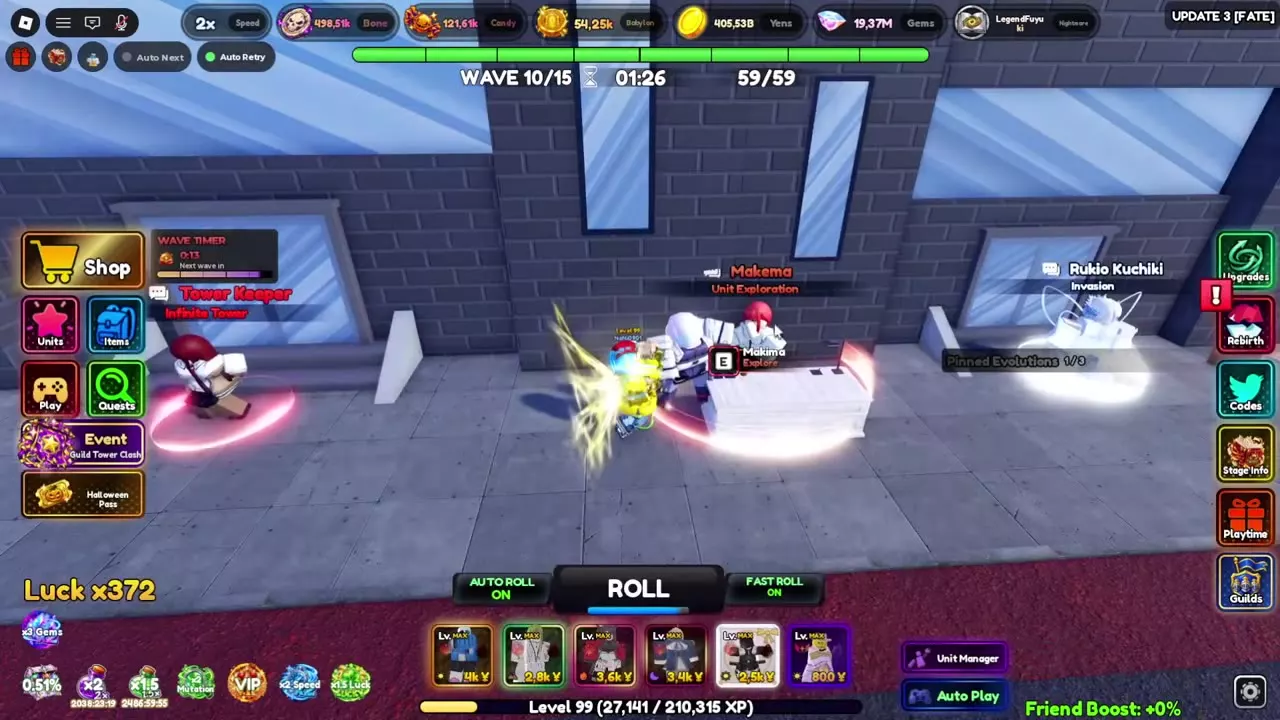
At Unit Exploration, press E near Makema to open Explore. Choose an island, a duration of 30 minutes, 2 hours or 8 hours, and Normal, Hard or Nightmare difficulty. Use the island's favorite units for their power bonus and check the squad and reward preview.
Explore options
Approach Makema at Unit Exploration and press E. Scroll through the six islands and open an island's details to see its loot categories, favorites, mastery and squad information.
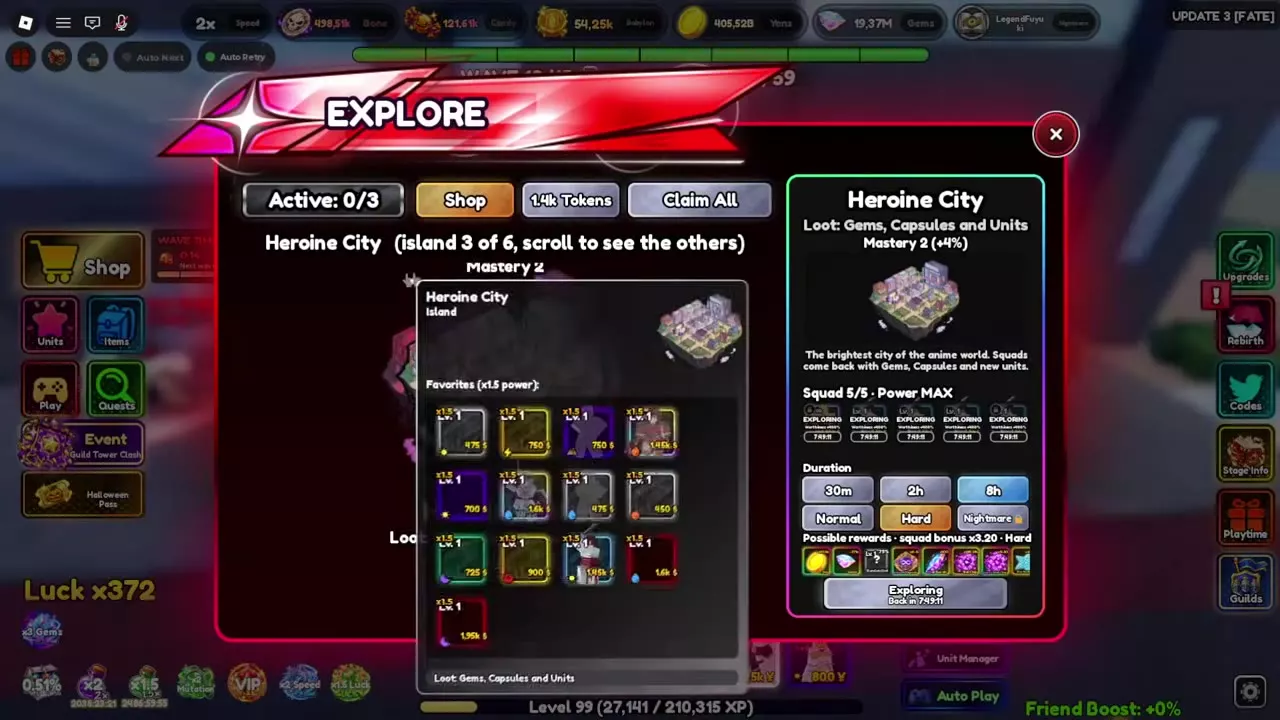
Choose 30 minutes, 2 hours or 8 hours, then select Normal, Hard or Nightmare. Choose a duration that fits when you want the squad to return, and check the possible rewards and squad power for the selected configuration.
An active squad displays Exploring and a return countdown. The menu also has an Active counter, a token balance, Shop and Claim All.
Favorite units and squad power
Check the island's Favorites when choosing squad members. On Heroine City, a favorite unit receives 1.5× power, making it a useful choice when building the squad. Compare the resulting Power indicator and squad bonus in the island panel.
For example, a Heroine City squad with 5/5 units, Power MAX, Hard difficulty and an 8-hour duration shows a 3.20× squad bonus beside possible rewards. At Mastery 2, Heroine City displays +4%.
Heroine City rewards
Heroine City is the third island. Its possible loot includes Gems, Capsules and Units. Check the possible-rewards panel for your selected squad and settings; capsules can be opened for their listed rewards in the capsule guide.
1 objects
| Name | Island position | Loot categories | Favorites power multiplier | ||||
|---|---|---|---|---|---|---|---|
3
| Gems, Capsules, Units
| 1.5x (Favorites on Heroine City)
| |||||
| |||||||
Explore purchases and unit protection
Open Shop from the Explore menu to spend Explore Tokens. The shops guide covers its stock and prices.
A unit copy assigned to an ongoing exploration cannot be transferred. Keep that restriction in mind when selecting copies for a squad; see unit management for transfers and inventory controls.